How to Build a Real Estate Website in 2026
Most guides on how to build a real estate website skip the part that actually matters: the decisions. Which platform. DIY or custom. How to get live listings on your own domain. How to turn a browsing visitor into a booked valuation. This guide covers all of it, no filler, no vague "make it beautiful" advice, just the choices that decide whether your site earns its keep.
Quick answer
To build a real estate website in 2026, you'll: (1) define your brand and one clear goal, (2) register a short .com domain, (3) pick a platform, a DIY builder like Wix or Squarespace, self-hosted WordPress, or a custom build, (4) add live listings through an IDX/MLS or portal feed, (5) wire in lead capture (forms, saved searches, valuation and booking tools), (6) optimise for speed and SEO, then (7) launch and market it.
The single biggest decision is DIY builder vs custom build. A builder gets you online in a weekend for very little money but boxes you in. A custom build costs more up front and rewards you with speed, control, and a site that ranks. Everything below helps you make that call with your eyes open.
Contents
- Step 1: Nail your brand and one goal
- Step 2: Get your domain and hosting
- Step 3: Choose your platform (the real decision)
- Step 4: Add live listings with IDX or a portal feed
- Step 5: Build lead capture into everything
- Step 6: Make it fast, make it findable
- Step 7: Launch, measure, market
- What a real estate website actually costs in 2026
- DIY builder vs custom build: how to choose
- Real builds we've shipped
- FAQ
Step 1: Nail your brand and one goal
Before you touch a template, decide what the site is for. Not "an online presence", a specific, measurable job.
Pick one primary goal:
- Win valuations / instructions (most sales and lettings agents)
- Capture buyer and renter leads through saved searches and alerts
- Showcase a luxury portfolio and qualify high-net-worth enquiries
- Sell a development or new-build scheme
Your goal drives every later decision, layout, features, and where the call-to-action lives. A site that tries to do all four does none of them well. Write your goal down in one sentence and hold every design choice against it.
Then get the basics right: a logo, two or three brand colours, and a consistent typeface. Consistency reads as credibility, and credibility is what makes someone hand over their biggest asset.
Step 2: Get your domain and hosting
Buy a short, memorable .com (or your local equivalent, .co.uk, .ch, .it) that includes your name or your market area. Expect roughly £8–£40/year for the domain.
Hosting depends on your platform:
- Builders (Wix, Squarespace) bundle hosting into the monthly plan, you don't manage it.
- WordPress needs its own host: budget £5–£20/month for solid shared or managed hosting, more if you expect heavy traffic.
- Custom builds are usually deployed to fast modern hosting (Vercel, Netlify, or managed cloud), often cheap or free at small scale, and very fast.
Whatever you choose, insist on an SSL certificate (the padlock) and daily backups. Non-negotiable.
Step 3: Choose your platform (the real decision)
This is where most guides go soft. Here's the honest version.
DIY website builders, Wix, Squarespace, Weebly
Drag-and-drop, template-driven, live in a weekend. Genuinely the right call if you're a solo agent testing the waters, on a tight budget, and comfortable with a site that looks like a template.
- Pros: cheapest, fastest, no technical skill needed.
- Cons: limited IDX options, weaker SEO ceiling, performance you can't fully control, and you'll outgrow it.
WordPress
The workhorse of real estate. With a real-estate theme (Houzez, Real Homes) plus an IDX plugin, WordPress handles serious listing volume, deep customisation, and content-led SEO.
- Pros: flexible, huge plugin ecosystem, strong SEO, real IDX/MLS integrations.
- Cons: you (or a developer) own maintenance, updates, and security. A neglected WordPress site gets slow and vulnerable fast.
Custom build
A bespoke site, WordPress engineered from scratch, or a modern stack like Next.js, designed around your exact workflow, brand, and speed targets.
- Pros: fastest load times, total design control, clean integrations with your CRM and portal feeds, and the SEO headroom to actually outrank the portals for local searches.
- Cons: highest up-front cost and it needs someone who knows what they're doing.
If your website is a core part of how you win business, not a brochure, a custom or professionally built WordPress site pays for itself. That's the work we do at The Code Bottega: bespoke, high-performance real estate websites built to rank and convert, not just to exist.
Step 4: Add live listings with IDX or a portal feed
Static listings you update by hand are a dead end. You want properties flowing onto your site automatically.
IDX (Internet Data Exchange) pulls MLS listings into your site in near real time, on your own domain, with your branding and your lead-capture forms. Because every listing becomes an indexable page Google can rank, IDX can meaningfully expand your site's search footprint over time.
In the UK and Europe, the equivalent is a portal or CRM feed (from your agency software or a service like the ones behind Rightmove/Zoopla listings) syndicated to your own site.
Ballpark IDX pricing in 2026:
- Embed/widget IDX: ~£25–£160/month, quick, but the listings often live on the provider's subdomain (weaker for SEO).
- On-domain IDX with full SEO: roughly £1,600–£6,000 to build, plus £80–£240/month for the feed.
- Direct MLS data feed: £4,000–£20,000 build, plus £160–£650/month, full control, best performance.
The rule: get listings on your domain, not a provider's subdomain. That's where the SEO value lives.
Step 5: Build lead capture into everything
A gorgeous site that doesn't capture leads is a very expensive business card. Bake conversion into every page:
- Saved searches and email/SMS alerts, the highest-intent lead there is. Require a quick sign-up to unlock them.
- Instant valuation tool, the single best lead magnet for sales and lettings agents.
- Book a viewing / book a call with calendar scheduling, so enquiries convert while intent is hot.
- Short contact forms on every listing and landing page, name, email, one message field. Every extra field costs you leads.
- CRM integration so leads land in your pipeline instantly and nothing slips.
Want to prove which marketing actually drives booked deals, not just form fills? Connect your forms to offline conversion tracking, here's how we set that up with Zapier and Pipedrive.
Step 6: Make it fast, make it findable
Speed and SEO aren't garnish, in real estate they're the whole game, because you're competing with Rightmove, Zoopla, and Zillow for local searches.
- Performance: compress images to WebP, lazy-load below-the-fold media, and aim for green Core Web Vitals. A slow property gallery is an abandoned enquiry. This is exactly where a custom build beats a bloated template.
- Local SEO: create a page per area you serve ("flats for sale in [town]"), claim your Google Business Profile, and keep your name, address and phone consistent everywhere.
- On-page SEO: unique title tags and meta descriptions per listing and area page, clean URLs, and descriptive image alt text.
- Content: area guides, market updates, and buyer/seller advice pull in top-of-funnel traffic and build the authority that helps your listings rank.
Step 7: Launch, measure, market
Before you go live, run the checklist: every link works, forms deliver to the right inbox and CRM, the site is fast on mobile, and analytics plus conversion tracking are firing.
After launch, momentum comes from:
- Google Business Profile and local citations
- Email to your existing database, point them at saved searches and valuations
- Social proof, reviews, sold boards, case studies
- Paid search for high-intent local terms while your organic SEO builds
Then watch the numbers, traffic, leads, and which pages convert, and improve monthly. A website is a channel you tune, not a thing you finish.
What a real estate website actually costs in 2026
No hand-waving. Realistic ranges, these are illustrative 2026 estimates to set expectations, not quotes; actual costs vary by market, scope and provider:
| Route | Up-front | Ongoing | Best for |
|---|---|---|---|
| DIY builder (Wix/Squarespace) | £0–£300 | £15–£45/mo + IDX | Solo agents testing the water |
| WordPress + IDX (self-managed) | £2,000–£8,000 | £100–£300/mo | Growing agents/small agencies |
| Custom build | £8,000–£25,000+ | £200–£800/mo | Agencies where the site drives revenue |
Domain (~£8–£40/yr) and hosting sit on top of the DIY route. The gap between "cheap site" and "site that wins instructions" is smaller than most agents fear, and the return, when a single instruction can be worth thousands, is not close.
DIY builder vs custom build: how to choose
Cut through it with three questions:
- Is your website how you win business, or just a brochure? If it's a lead engine, invest in a build. If it's a formality, a builder is fine.
- How much listing volume and SEO ambition do you have? High volume and a plan to outrank portals locally means WordPress or custom. A handful of listings means a builder can cope.
- Who maintains it? Builders maintain themselves. WordPress and custom sites need an owner, you, or a developer on a maintenance plan.
If you land on "custom" and want it done right the first time, that's what we build.
Real builds we've shipped
We don't just write about real estate sites, we ship them. A few from our project portfolio:
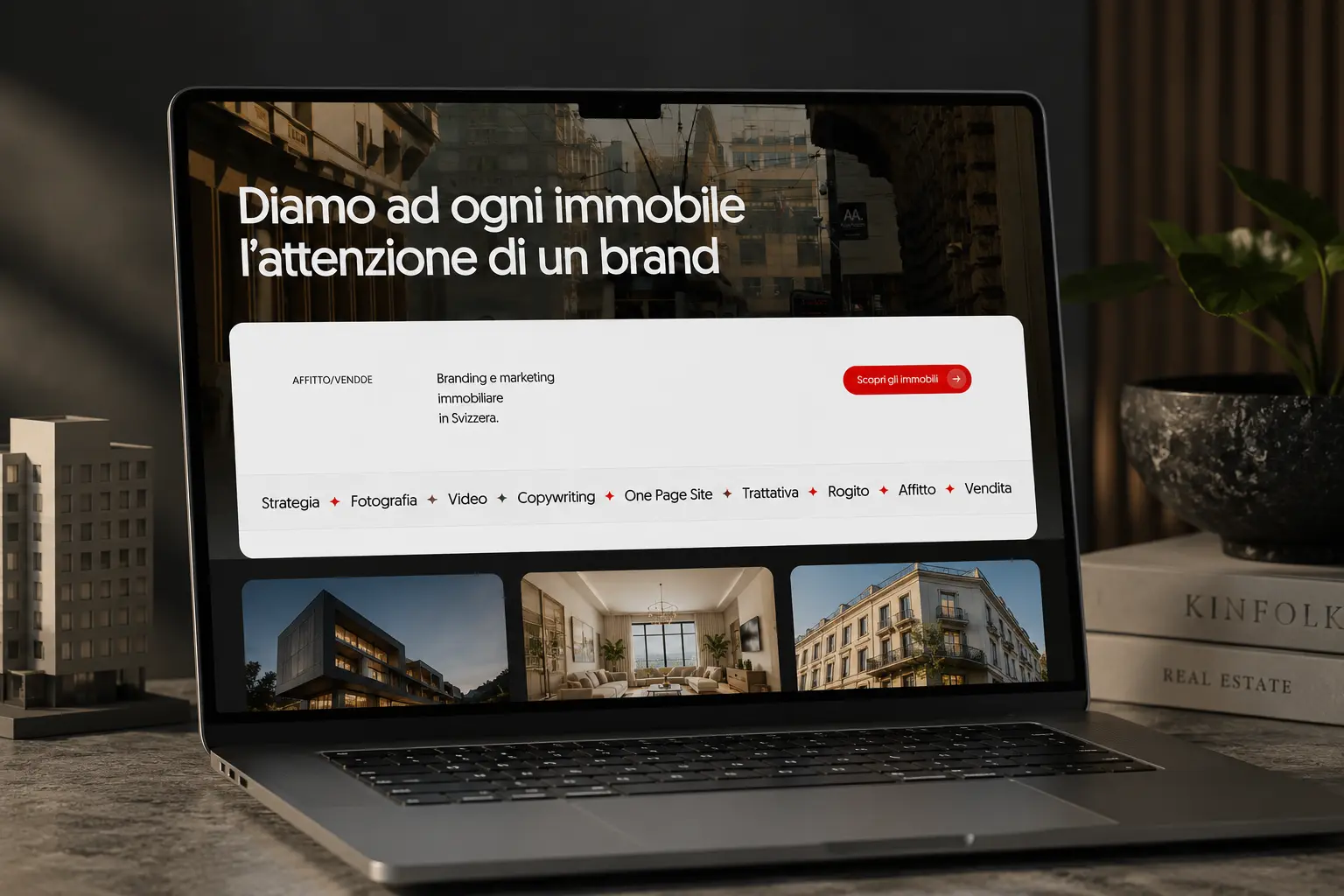
Affitto / Vendo, a WordPress real estate marketing platform for Ticino with full property search.
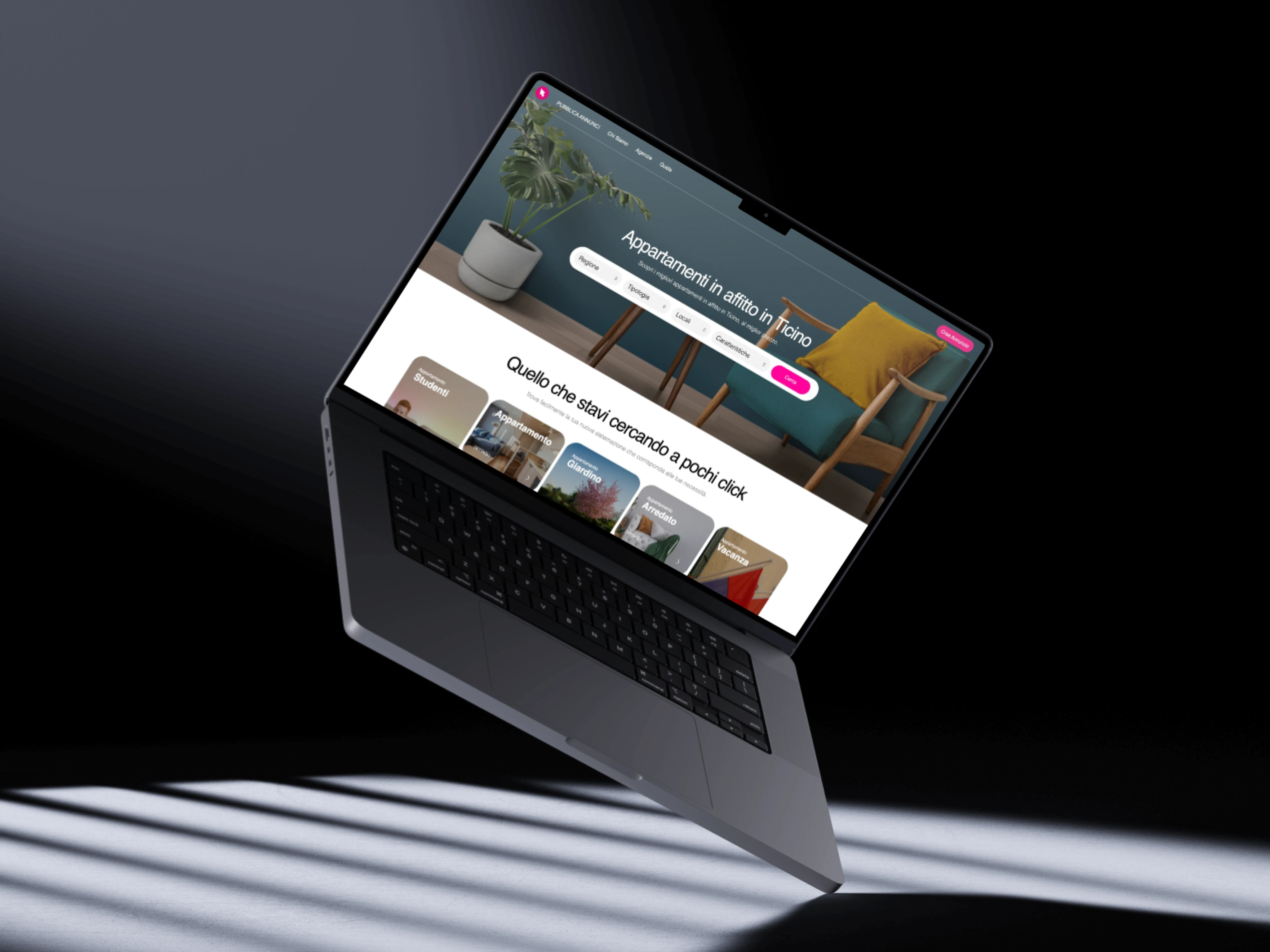
Affitti.ch, a Houzez-based site rebuilt and optimised for speed and lead capture.
Different budgets, different goals, same principle: fast, findable, and built to convert.
FAQ
How much does it cost to build a real estate website?
Anywhere from under £300 on a DIY builder to £8,000–£25,000+ for a custom build, plus ongoing costs for hosting and IDX/listing feeds (roughly £15–£800/month depending on the route). The right number depends on whether your site is a brochure or a lead engine.
Do I need IDX or an MLS feed on my real estate website?
If you want live listings that generate leads and rank in search, yes. IDX (or a portal/CRM feed in the UK and Europe) pulls listings onto your own domain automatically, turning every property into an indexable, lead-capturing page. Prioritise feeds that live on your domain, not a provider's subdomain.
Should I use a website builder or hire a developer?
Use a builder if you're a solo agent on a tight budget who just needs to be online. Hire a developer for a WordPress or custom build if your website is central to winning business, you'll get better speed, SEO, integrations, and a site you won't outgrow in a year.
How long does it take to build a real estate website?
A DIY builder site can be live in a weekend. A professional WordPress build with IDX and lead capture typically takes 3–6 weeks. A fully custom build runs 6–12 weeks depending on scope and integrations.
What features does a real estate website need?
At minimum: live property listings with search and filters, saved searches and alerts, an instant valuation tool, booking/viewing scheduling, short contact forms, CRM integration, fast mobile performance, and local SEO pages.
Can a custom real estate website outrank Rightmove, Zoopla or Zillow?
Not for national searches, but for local, long-tail terms ("2-bed flats in [your town]") a fast, well-structured site with on-domain listings and genuine local content absolutely can, which is exactly where your buyers and sellers are searching.
Let's build yours
You now know how to build a real estate website that does more than sit there. If you'd rather have it built right, fast, ranking, and wired to capture leads from day one, tell us what you're after. We turn your "what if" into "watch this."